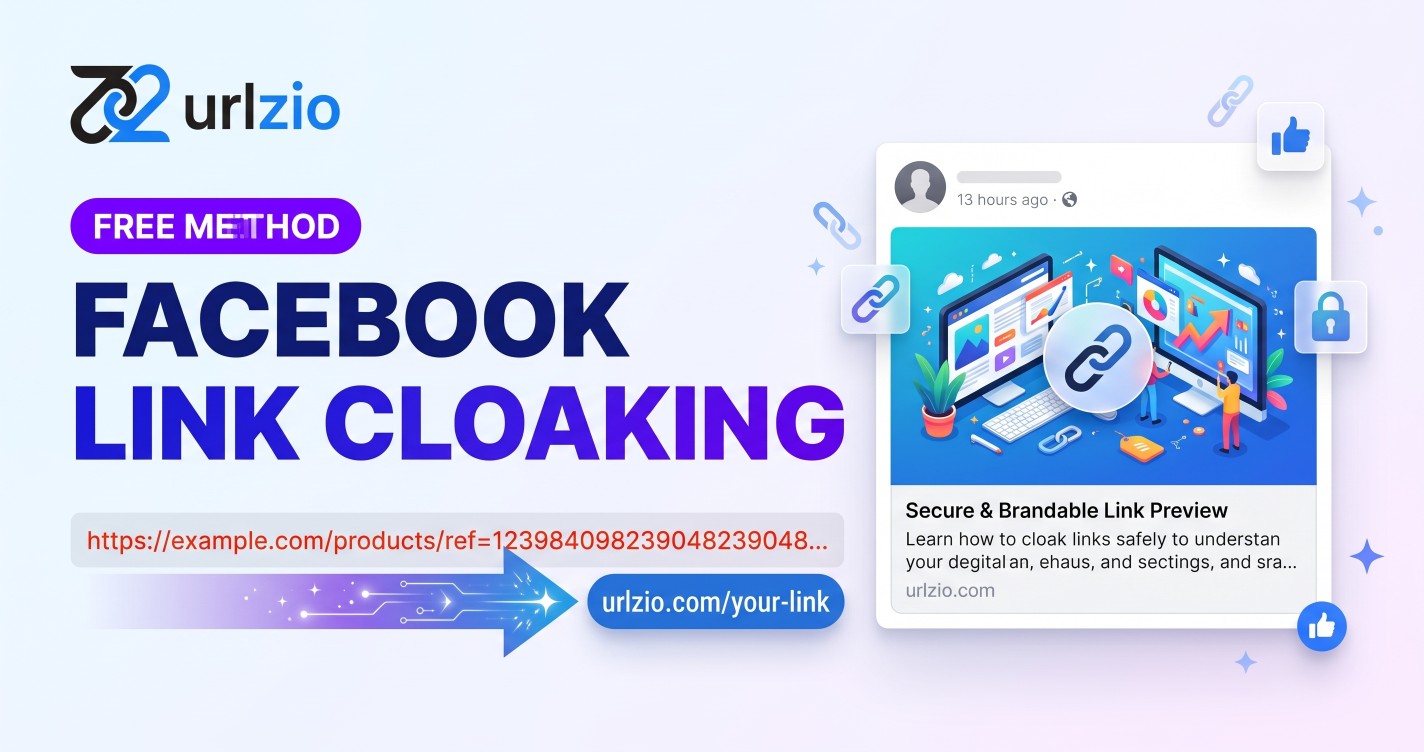
Want to share cleaner links on Facebook with a custom title, description, and image preview? Link cloaking and custom link previews can help you present your content more professionally without sharing long, complicated URLs.
In this guide, you will learn what Facebook link cloaking means, how custom previews work, how to create a short link with URLzio, and how to troubleshoot common Facebook preview problems.
What Is Facebook Link Cloaking?
Facebook link cloaking is the practice of sharing a clean, shortened URL that redirects visitors to a longer destination URL. It is commonly used by affiliate marketers, bloggers, digital marketers, and businesses that want more manageable links for their social media campaigns.
For example, instead of sharing a lengthy URL containing tracking parameters, you can share a short link that is easier to read, copy, and remember.
Link cloaking can also be associated with custom link previews. A preview may display a headline, description, and thumbnail image when someone shares a URL on Facebook. These elements depend on how the sharing link and its metadata are configured.
It is important to understand that shortening a URL does not hide its destination from Facebook or guarantee that a link will avoid security warnings. The destination should always be legitimate and accurately represented.
Why Use Clean Links on Facebook?
Long URLs can look cluttered in social media posts, especially when they contain numerous tracking parameters. A short link creates a simpler way to share content while making campaign links easier to manage.
- Cleaner presentation: Short links reduce the visual clutter associated with long destination URLs.
- Custom link previews: Supported preview settings let you present relevant titles, descriptions, and images when sharing links.
- Brand consistency: Consistent link presentation can help businesses maintain a more professional appearance across social media campaigns.
- Link analytics: Analytics can help you understand click activity and evaluate how your shared links perform.
- Easier sharing: Short URLs are convenient to copy, distribute, and include in posts, messages, and marketing materials.
These benefits can improve the sharing experience, but they do not guarantee higher click-through rates. Results depend on your audience, content, destination page, and overall marketing strategy.
How to Cloak a Link for Facebook Using URLzio
URLzio is a free URL shortener that lets you create short links and customize supported link preview information. Follow the steps below to prepare a link for Facebook sharing.
Step 1: Prepare Your Destination URL
First, copy the complete URL of the webpage you want visitors to access. This could be a blog post, product page, landing page, or affiliate offer.
Check that the destination loads correctly and that any necessary tracking parameters are included. Only share destinations you are authorized to promote.
Step 2: Open URLzio
Visit URLzio to create your short link. URLzio supports link creation without requiring users to create an account.
Use the link creation interface to enter your destination URL. Follow the options shown on the page to generate your short link.
Step 3: Configure Your Link Preview
If you want a customized Facebook preview, prepare a relevant headline, a concise description, and an appropriate image. Use the custom preview settings available for your link.
- Title: Write a clear headline that accurately describes the destination page.
- Description: Explain what visitors will find after clicking the link.
- Preview image: Use an image that is relevant to the content and accessible through a valid image URL.
Keep your preview consistent with the destination page. Misleading headlines or images can damage user trust and create a poor visitor experience.
Step 4: Generate and Copy Your Short Link
Save your configuration and copy the generated URL. Before sharing it publicly, open the short link in a browser to confirm that it redirects to the intended destination.
Check that the destination is secure, loads properly on mobile devices, and displays the content promised by your preview.
Step 5: Test Your Facebook Link Preview
Use the official Facebook Sharing Debugger to inspect how Facebook reads a URL. Enter the link and run the available debugging or scraping action.
Review the reported metadata and any image-fetching errors. If you control the relevant metadata and have corrected a problem, request another scrape to check whether the preview updates.
Facebook may cache preview information, and its display can vary. Testing a URL does not guarantee that every preview will update immediately or that the platform will approve the destination.
Best Practices for Facebook Link Cloaking
Use Accurate Preview Information
Your title, description, and image should match the content visitors will find after clicking. Avoid exaggerated promises or deceptive previews.
Choose a Relevant Preview Image
Use a clear, high-quality image that represents the shared content. A landscape image around 1200 by 630 pixels is a practical starting point for many social sharing previews. Check Facebook's current documentation for image requirements and recommended formats.
Keep Your Headline Concise
Put the most important information near the beginning of the title. Short, descriptive headlines are easier to scan on mobile devices and in busy social media feeds.
Check the Destination Before Sharing
Make sure the short link redirects correctly and that the destination is available. Avoid broken pages, unexpected redirects, or content that differs from what the preview promises.
Review Your Link Analytics
Use URLzio's link analytics to examine available click activity and traffic information. Compare results across campaigns to understand which links attract visits. Remember that clicks alone do not necessarily represent unique visitors, conversions, or genuine engagement.
How to Fix Facebook Link Preview Problems
Facebook Shows an Old Image
Facebook may have cached an earlier version of the preview. Inspect the URL with the Facebook Sharing Debugger and request another scrape when available. Also verify that the configured image URL still works and returns the intended image.
The Preview Title or Description Is Incorrect
Check the metadata associated with the URL being shared. If you manage the destination website, review its Open Graph tags. If you use a short-link service with custom preview settings, check those settings as well.
Correcting the metadata and requesting a fresh scrape may resolve the problem, although cached information can take time to update.
The Preview Image Does Not Load
Confirm that the image URL is publicly accessible over HTTPS, does not require authentication, and returns a valid image. Check for server restrictions that might prevent Facebook's crawler from retrieving it.
Facebook Displays a Security Warning
A shortened URL does not automatically make a destination safe or remove a platform warning. Check the destination website for malware, suspicious redirects, compromised content, or other security problems.
If you believe a warning is incorrect, review the relevant Facebook support or appeal process. Do not use link cloaking to conceal harmful or misleading destinations.
Frequently Asked Questions
What is Facebook link cloaking?
Facebook link cloaking generally means sharing a shortened URL that redirects visitors to a destination page. Some link-management tools also provide custom preview settings for the shared link.
Can I cloak a link for Facebook for free?
Yes. URLzio offers free link shortening and supports creating links without requiring an account. Check the available customization options in the live interface before creating your campaign.
Does link cloaking prevent Facebook from blocking my URL?
No. Shortening or cloaking a link does not guarantee that Facebook will allow it. The platform can evaluate the destination, redirect behavior, and other security signals.
Can I customize the image shown in a Facebook link preview?
Custom preview images can be configured when the link management service supports that feature. The image must be accessible to Facebook's crawler, and the final display is subject to Facebook's scraping and caching behavior.
Why is Facebook showing the wrong link preview?
Common causes include outdated cached metadata, incorrect Open Graph tags, inaccessible images, and changes to the shared URL. Use the Facebook Sharing Debugger to inspect the link and identify potential issues.
Can I use URLzio without creating an account?
URLzio supports creating short links without an account. Visit URLzio to use the service and review its current link creation options.
Conclusion
Learning how to cloak a link for Facebook can help you share cleaner URLs, organize your campaigns, and improve the presentation of your content. Custom link previews can also make shared links more relevant and informative when they are configured correctly.
With URLzio, you can create short links for free, configure supported preview details, and review available link analytics. Combine these features with accurate metadata, relevant images, and reliable destination pages to provide a better experience for your audience.
Create a free short link with URLzio and prepare your next link for social media sharing.